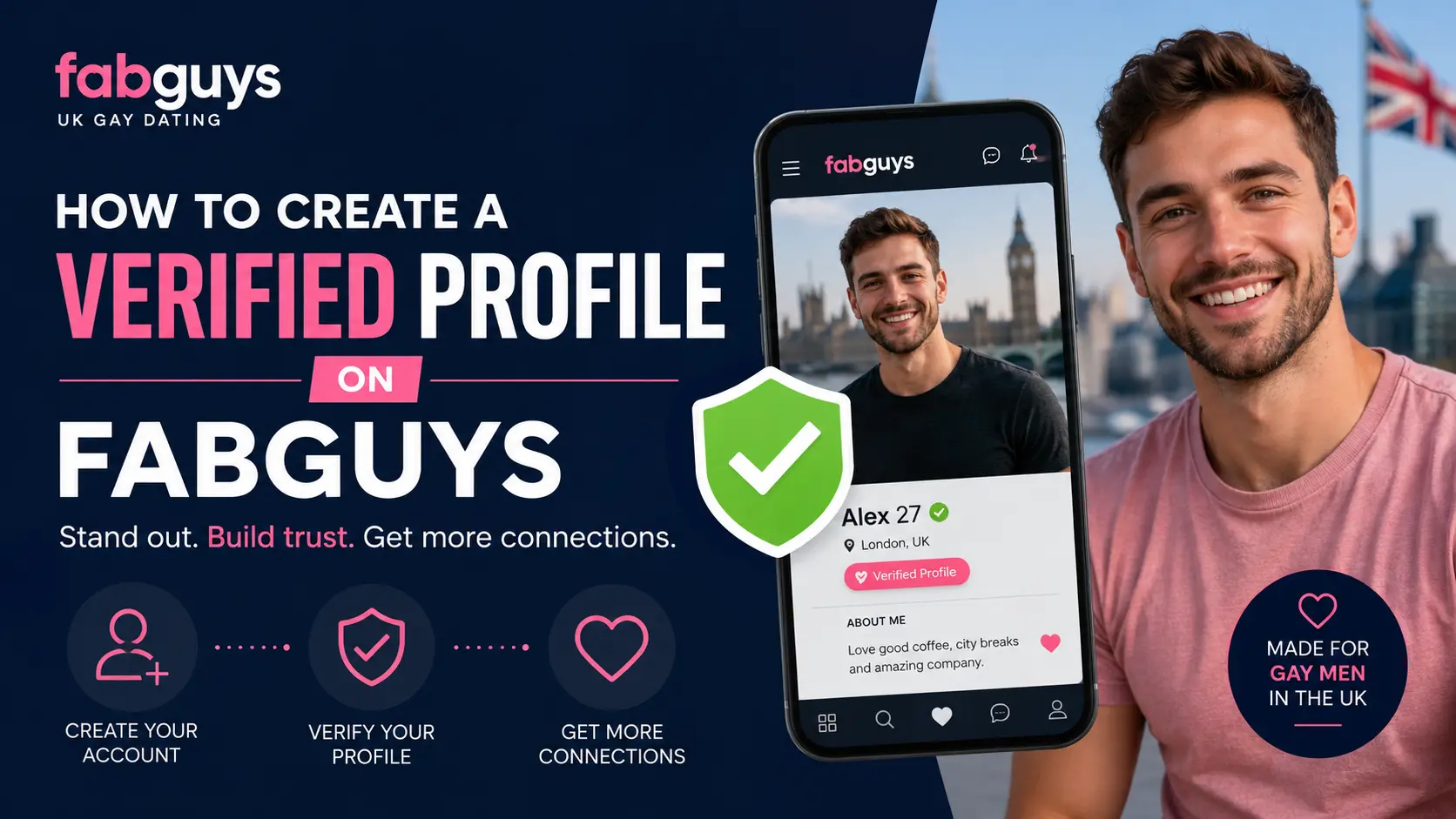
Creating a verified profile on FabGuys helps you build trust with other members and increases your chances of getting messages, profile views, and genuine connections. Verification shows that your profile belongs to a real person, making the platform safer and more reliable for everyone.
In this guide, you’ll learn how to create a verified profile on FabGuys and what to do if your verification request is rejected.
Contents
- 1 What Is FabGuys Profile Verification?
- 2 Requirements for FabGuys Verification
- 3 How to Create a Verified Profile on FabGuys
- 4 Important Verification Rules & Safety Tips
- 5 How Long Does FabGuys Verification Take?
- 6 Why Was My Verification Rejected?
- 7 How to Reapply After Rejection
- 8 Is FabGuys Verification Safe?
- 9 Frequently Asked Questions
- 10 Final Thoughts
What Is FabGuys Profile Verification?
FabGuys verification is a process that confirms your identity and proves that the photos on your profile belong to you. Once verified, your profile displays a verification badge that lets other users know you’re a genuine member.
Benefits of a verified profile include:
- Increased trust from other members
- Better response rates to messages
- More profile views
- Reduced chances of being mistaken for a fake account
- Access to certain community features and groups
Requirements for FabGuys Verification
Before starting the verification process, make sure you have:
- An active FabGuys account
- A clear profile photo
- Access to a camera or smartphone
- Good lighting for verification photos
- Accurate profile information
Using recent photos can improve your chances of approval.
How to Create a Verified Profile on FabGuys
The verification process on FabGuys is closely tied to photo verification and account completeness. Follow these steps to ensure your profile gets approved quickly.
Step 1: Account Login
- Visit the FabGuys website and sign in using your username and password.
Step 2: Complete Your Profile Details
Before requesting verification, make sure your profile doesn’t look empty. Fill out your basic details, including your age, physical description, interests, and what you are looking for on the platform. Leaving these blank can delay the approval process.
Step 3: Upload Clear, Guidelines-Compliant Photos
FabGuys requires standard photo verification to confirm your identity. To ensure your photos are accepted:
- Upload at least one clear, high-quality picture where your face is easily recognizable.
- Avoid heavy filters, extreme angles, or blurry shots.
- Do not upload photos containing copyright watermarks, celebrities, or other people.
Step 4: Submit a Verification Photo (The “Holding a Sign” Process)
To combat catfishing, the platform frequently uses a manual photo verification check.
- Take a piece of paper and write your FabGuys Username and the Current Date clearly in bold letters.
- Hold the paper up next to your face and take a well-lit selfie. Both your face and the handwritten text must be perfectly visible.
- Upload this image through the verification portal in your account settings.
Note: This specific verification photo is strictly for the moderation team to review and will not be displayed publicly on your profile if you choose to keep it private.
Important Verification Rules & Safety Tips
| Rule / Tip | What to Remember |
| Age Requirement | You must be 18 years or older to create an account and verify your profile. Providing false age details will result in an immediate permanent ban. |
| One Profile Rule | Duplicate accounts under the same person are generally prohibited. Stick to verifying a single, main profile. |
| No Commercial Links | Do not include financial links (like OnlyFans, CashApp, or webcam sites) in your bio or verification materials, as FabGuys prohibits commercial escorting and advertising. |
How Long Does FabGuys Verification Take?
Because the FabGuys moderation team manually reviews verification requests to ensure safety, the process is not always instant.
- Standard Processing Time: It typically takes anywhere from 24 to 48 hours for your verification badge to appear.
- Peak Times: During weekends or holidays, reviews might take slightly longer. If your profile hasn’t been verified after 3 days, double-check your email inbox (including the spam folder) to see if a moderator requested a clearer photo.
Once approved, a verification indicator will attach to your username, unlocking better visibility and letting the community know you are genuine.
Why Was My Verification Rejected?
Verification requests can be rejected for several reasons:
- Poor Image Quality: Blurry, dark, or low-resolution photos may not be accepted.
- Face Not Clearly Visible: If moderators cannot clearly identify you, the request may be denied.
- Mismatched Photos: Your verification image should closely resemble the photos displayed on your profile.
- Edited Images: Photos that appear heavily filtered or digitally altered may be rejected.
- Incorrect Verification Pose: Failing to follow the required instructions can result in rejection.
How to Reapply After Rejection
If your verification request is denied:
- Review the rejection message.
- Take new photos that meet the guidelines.
- Correct any issues mentioned by the moderators.
- Submit a new verification request.
Most users are approved after making the necessary adjustments.
Is FabGuys Verification Safe?
Yes. Verification is designed to improve security and reduce fake profiles. Verification photos are reviewed by moderators and used solely to confirm profile authenticity according to the platform’s policies.
Always submit verification materials through the official FabGuys website and avoid sharing sensitive information with other users.
Frequently Asked Questions
No, verification is usually optional. However, verified profiles often receive more attention and trust from other members.
Approval times vary, but many requests are reviewed within a few days.
It is recommended to use a recent photo that accurately represents your current appearance.
A verification badge will appear on your profile, showing other members that your account has been confirmed as genuine.
Yes. Verification may be removed if your account violates community guidelines or if significant profile changes require re-verification.
Final Thoughts
Creating a verified profile on FabGuys is one of the best ways to improve your credibility and stand out from unverified accounts. By following the verification guidelines, using clear photos, and keeping your profile information accurate, you can increase trust and enjoy a better experience on the platform.
If you encounter any issues during the process, review the verification requirements and submit a new request with updated photos.